Color by number, one tap at a time
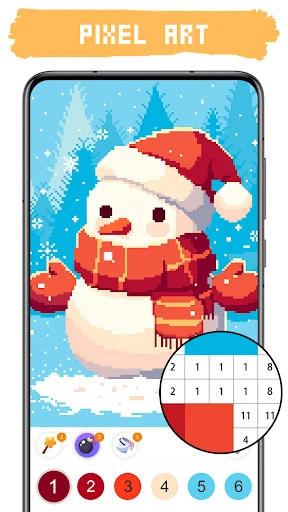
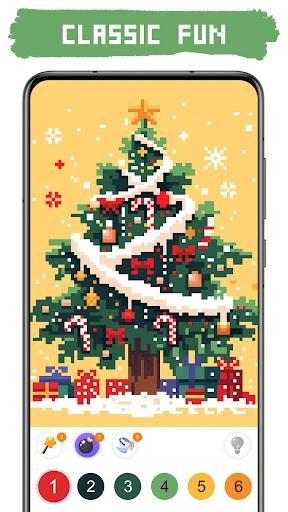
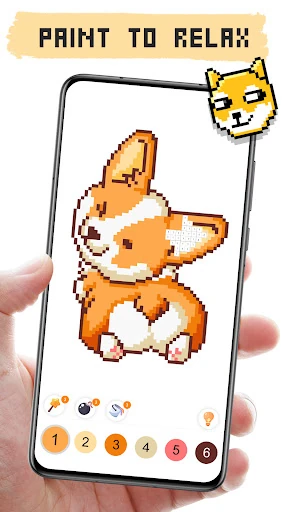
Pixel Art Coloring: Art Games turns numbered pictures into small coloring puzzles. Choose an image, find the matching number, and tap to fill its pixels. It suits people who want a low-pressure game for a short break, as well as anyone who enjoys watching a blank grid gradually become a picture. There is no drawing skill or color choice to master: the task is to spot the next area and fill it.
A varied gallery to work through
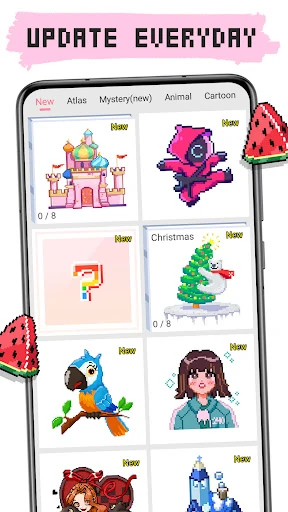
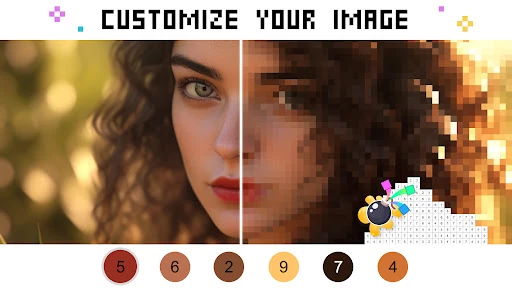
The gallery includes subjects from simple patterns and flowers to characters, with both 2D and 3D images. That range gives the app different levels of visual detail, so you can pick a quick, straightforward picture or settle into a more involved one. A camera feature can turn personal photos into pixel-style coloring puzzles, adding a way to make images of your own part of the activity.
Made for unhurried sessions
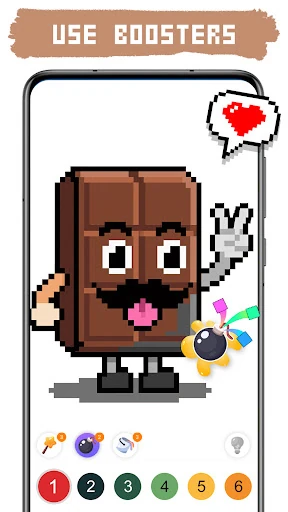
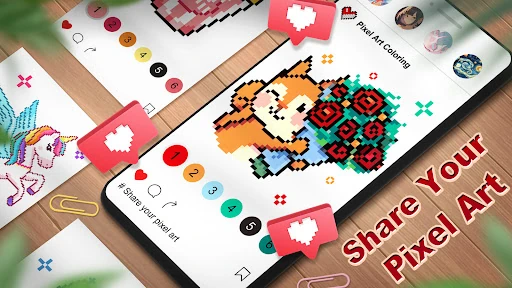
The basic loop is easy to return to: select a color, locate its numbered spaces, and tap them in. The reference material describes no time limits or competitive pressure, making this a better fit for casual coloring than for players seeking a demanding puzzle challenge. Boosters are available to help with larger sections. Seasonal events add themed pictures and rewards at certain times, while time-lapse videos let you share the process of completing an image.
Popular, with a clear everyday use
Pixel Art Coloring: Art Games is published by HDuo Fun Games in the Puzzle category. Its 4.75 rating comes from more than 112,000 ratings, and the listing reports over 10 million installs. Those figures point to a broadly used game, but its staying power is easier to understand in the simple routine: open it, choose a picture, and fill in a few colors whenever you have time.